How to Compare JSON Files and Find Meaningful Changes
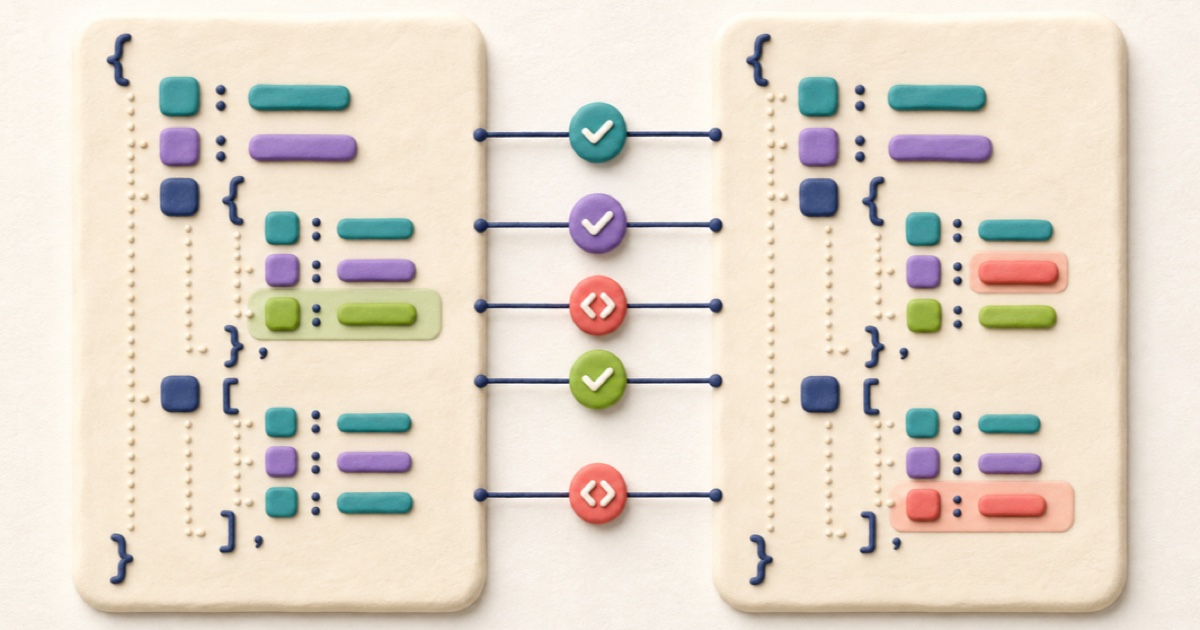
A useful JSON comparison separates structural changes from harmless formatting so you can focus on values, properties, and array order.
Choose the kind of JSON comparison you need
Two JSON files can represent the same data while looking completely different. One may use two-space indentation and another may be minified onto a single line. Object properties may also appear in a different order. A raw text comparison reports all of those presentation changes, even when an application would read both documents the same way.
A format-aware JSON comparison answers a narrower question: did the parsed data change? It parses each document, orders object keys consistently, and formats both sides before comparing them. Exact source comparison instead asks whether the characters and lines changed. Both views are useful, but they solve different review tasks.
Know which JSON changes are meaningful
Format-aware comparison removes key-order and indentation noise, but it should not flatten every difference. The following changes still matter:
- Added or removed properties: a new configuration flag or missing response field can change behavior.
- Changed values:
true,"true", and1are different JSON values. - Changed types: an empty array, empty object, empty string, and
nullare not interchangeable. - Array order: arrays are ordered. Moving an item can change priority, display order, or processing sequence.
- Nested location: moving a property into a different object changes its path and meaning.
Object key order is different. These documents contain the same object data even though the source order changed:
{
  "active": true,
  "role": "editor"
}
{
"role": "editor",
"active": true
}Format-aware mode aligns the keys and reports no difference. Exact source mode shows the reordered lines.
How to compare two JSON files step by step
- Identify the versions. Decide which document is the original and which is the changed version. Keep this direction consistent because additions and removals depend on it.
- Paste or load both sides. Open JSON Compare, then paste each document or choose one UTF-8
.jsonfile per side. - Start with format-aware mode. This validates both documents and removes presentation-only differences. A parsing error must be corrected before structural comparison can continue.
- Read the summary first. The changed, added, and removed line counts show the size of the normalized difference before you inspect individual values.
- Review each highlighted block. Confirm the property path, value type, and surrounding object or array. A small value change can have a large effect.
- Use exact source mode when needed. Switch modes if the structural result is equal but you still need to review formatting, ordering, or an incomplete draft.
Read side-by-side and unified JSON diffs
The side-by-side view keeps the original and changed normalized documents aligned. It is useful when you need context around a nested object or want to scan both versions visually. Line numbers identify the position in the normalized representation, not necessarily the original minified source.
The unified view places removals and additions in one sequence. A removed line begins with a minus marker and an added line begins with a plus marker. This format is compact and familiar when reviewing patches or copying a comparison into a ticket.
Within a paired changed line, character highlighting narrows the difference further. Check the complete value rather than only the colored characters: changing a quote, minus sign, decimal point, or bracket can change the JSON type or structure.
Compare API responses without chasing noise
API responses often contain fields that change on every request, such as timestamps, generated identifiers, pagination cursors, or request metadata. Those are real differences, but they may not be relevant to the behavior you are testing.
Before drawing a conclusion, separate expected dynamic fields from unexpected contract changes. Review:
- whether a property was renamed, removed, or moved;
- whether a value changed type as well as content;
- whether an array gained, lost, or reordered items;
- whether
nullreplaced a missing field or a concrete value; - whether error objects and status details follow the expected shape.
If dynamic fields overwhelm the result, create clean test fixtures with those known values stabilized. Do not delete differences from production evidence merely to make a comparison look simpler.
Avoid common JSON comparison mistakes
Comparing invalid JSON in format-aware mode
Trailing commas, comments, single-quoted strings, and unquoted keys are common in JavaScript-style configuration, but they are not valid JSON. Correct the input or use exact source mode while the draft is unfinished.
Treating arrays like objects
Object keys can be normalized safely because their order is not significant to JSON object meaning. Array positions are significant. Sorting an array before review could conceal a priority or sequence change, so the comparator preserves array order.
Ignoring secrets in copied results
API responses and configuration files can include access tokens, personal data, internal URLs, or credentials. Review the unified text before pasting it into an issue, chat, or email, and remove values that the recipient should not receive.
Relying on the summary alone
A one-line change is not necessarily minor. A changed permission, endpoint, limit, or feature flag deserves review even when the overall count is small.
Final JSON review checklist
- Both sides are the intended versions and are labeled in the right direction.
- Format-aware mode parses both documents successfully.
- Every added, removed, and changed property has been reviewed in context.
- Array order changes are intentional.
- Value types remain correct.
- Exact source mode has been checked when formatting or ordering matters.
- Copied comparison text contains no secrets or unnecessary personal data.
Need to clean up one document first? Use JSON Formatter. To navigate a deep response, learn how to view JSON as a tree; to check its contract, use JSON Schema Validator. For XML hierarchy, see how to compare XML files without formatting noise. For unstructured drafts and logs, use Text Compare.
How to Format and Validate JSON Online
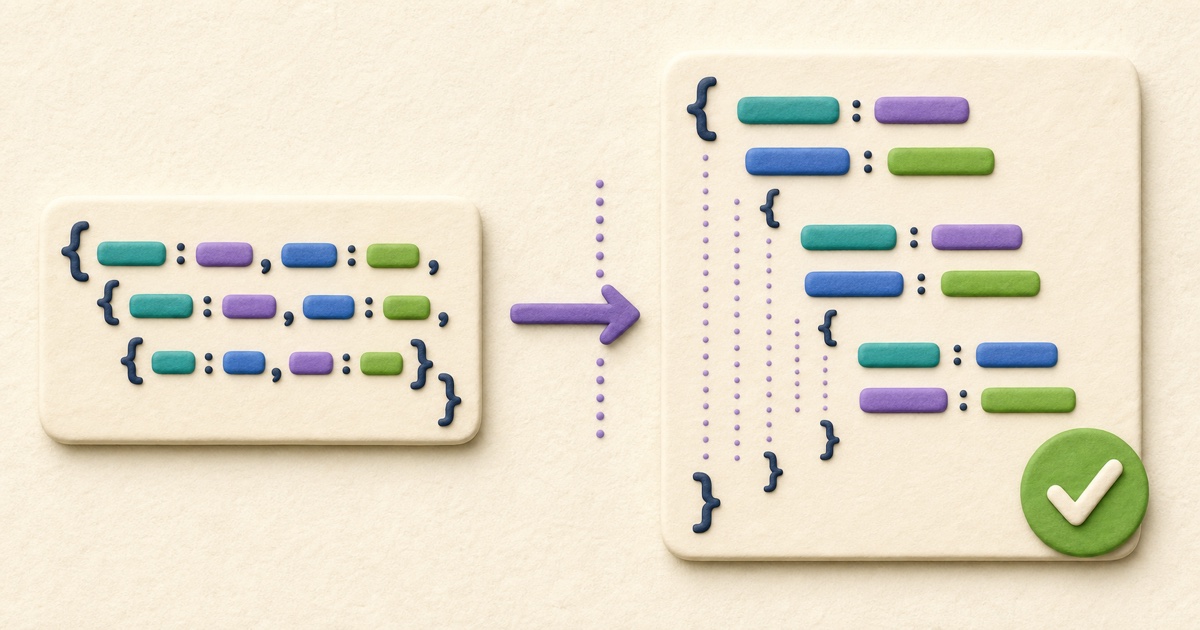
Reliable JSON formatting improves readability without silently changing data. Validate first, choose deliberate formatting options, and review the exact result before using it.

How to View and Navigate JSON as a Tree
A tree view turns nested JSON into navigable branches. Use keys, indexes, types, values, and complete paths to reach the part of the document that matters.
How to Validate JSON with JSON Schema
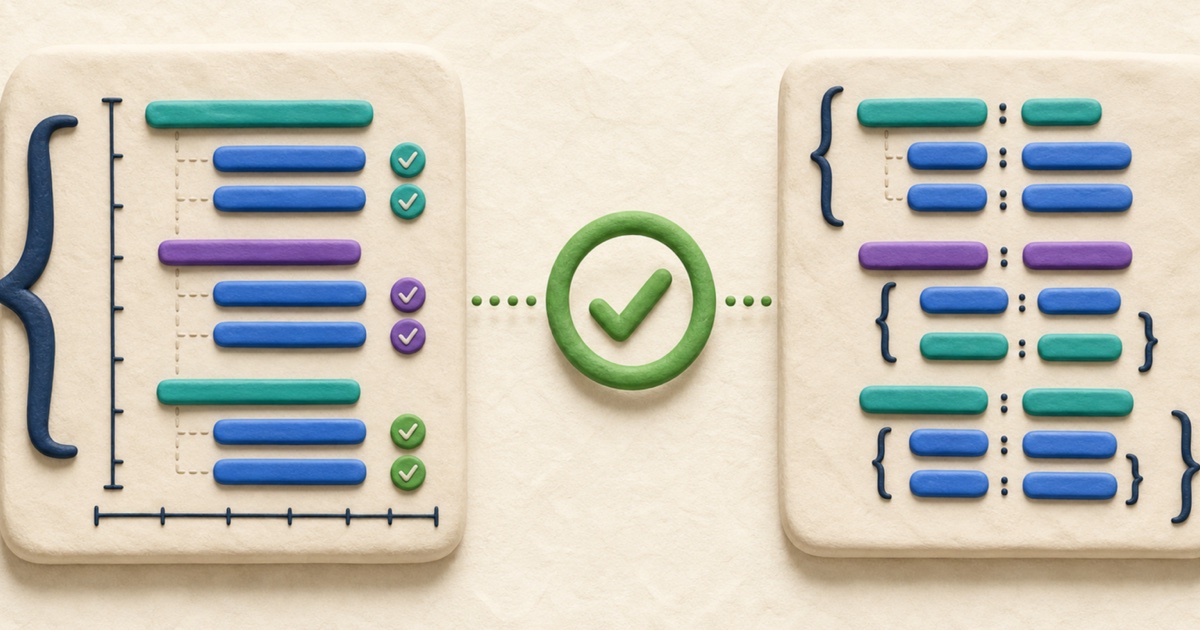
Valid JSON syntax does not guarantee a valid payload. JSON Schema describes the required shape and constraints so mismatches can be reviewed consistently.

How to Compare CSV Files and Review Row Changes
Reliable CSV comparison parses quoted fields before reviewing row changes, while preserving the row and column order that gives the data its meaning.
How to Compare XML Files Without Formatting Noise
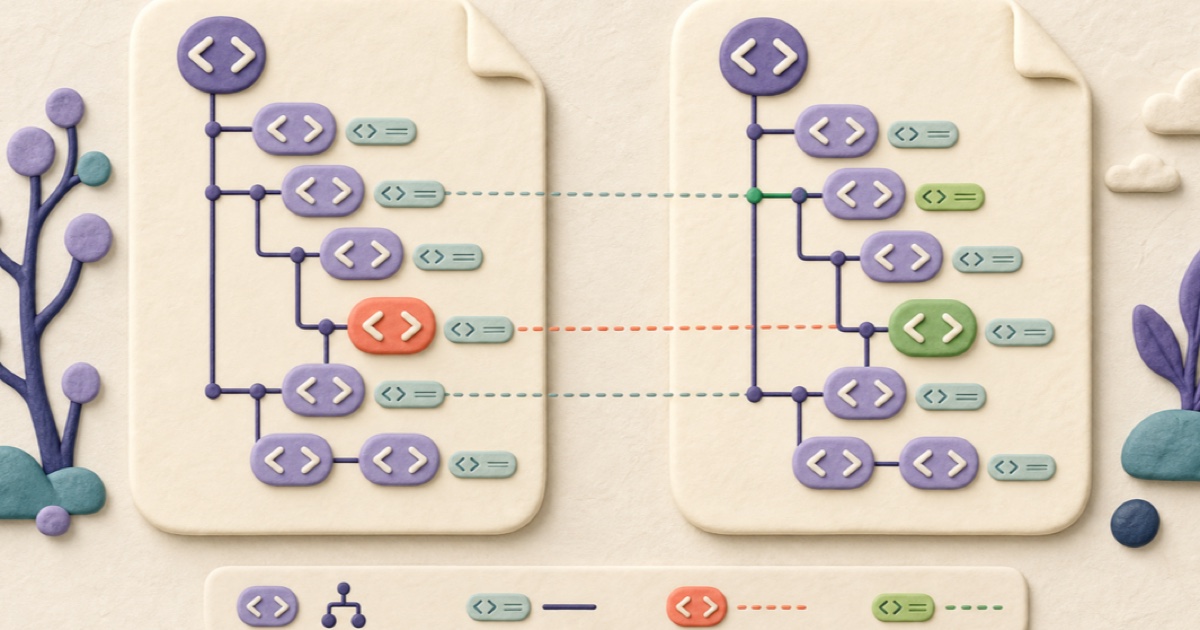
XML comparison is clearest when formatting noise is removed but element order, namespace identity, attributes, and meaningful text remain visible.

How to Compare Text Files and Review Every Change
A dependable text comparison aligns the two versions, distinguishes additions from removals, and keeps small edits visible inside changed lines.