How to Compare XML Files Without Formatting Noise
XML comparison is clearest when formatting noise is removed but element order, namespace identity, attributes, and meaningful text remain visible.

Separate XML structure from source formatting
XML is both a text format and a structured document format. That creates two legitimate ways to compare it. An exact source comparison reports every changed character, including indentation, attribute order, comments, and declarations. A format-aware XML comparison focuses on the parsed element tree and removes differences that do not change the document data.
This distinction matters when one system pretty-prints XML while another writes compact output. A line-by-line source diff may appear extensive even though the elements, attributes, namespaces, and text values are equivalent.
What format-aware XML comparison ignores
The XML Compare tool creates a consistent representation before comparing two valid documents. In format-aware mode it ignores:
- indentation-only whitespace between elements;
- the order in which attributes appear on an element;
- the XML declaration;
- comments; and
- processing instructions.
These rules prevent a formatter, serializer, or comment change from hiding the data changes you actually need to inspect. Exact source mode remains available when those details are part of the requirement.
What still counts as an XML change
- Element names and namespace URIs: elements with the same local name can mean different things in different namespaces.
- Attribute names and values: attribute order is ignored, but adding, removing, or changing an attribute is significant.
- Meaningful text: text inside an element is preserved. Whitespace can also be meaningful when it is part of mixed content.
- Sibling order: moving one child before another remains visible because XML element order can carry meaning.
- Hierarchy: moving an element to a new parent changes the structure even when its content stays the same.
Consider two attributes written in a different order:
<item id="42" enabled="true" />
<item enabled="true" id="42" />
They are equal in format-aware mode. Changing id="42" to id="43" is not.
How to compare two XML files step by step
- Choose the comparison direction. Put the baseline document under Original and the later or proposed document under Changed.
- Paste or load each document. The file inputs accept UTF-8
.xmlfiles within the displayed limits, and loaded content remains editable. - Run format-aware comparison first. Both sides must be valid XML. If a side cannot be parsed, fix the reported document before evaluating structural differences.
- Inspect the summary. Use the changed, added, and removed counts to estimate the review, but do not use counts as a substitute for checking values.
- Follow the hierarchy. Review the parent element, namespace, attributes, and neighboring children around every highlighted change.
- Switch to exact source when required. Use it to check declaration changes, comments, processing instructions, indentation, or an incomplete XML draft.
Pay special attention to XML namespaces
A namespace prefix is a shorthand for a namespace URI. Different prefixes can refer to the same namespace, and the same local element name can appear in multiple namespaces. Format-aware comparison therefore preserves namespace identity rather than assuming that matching local names are enough.
This is especially important for SOAP envelopes, document standards, feeds, build files, and configuration formats that combine several vocabularies. When a highlighted element looks unchanged, check whether its namespace URI or namespace-qualified attribute changed.
Understand whitespace in mixed content
Whitespace used only to indent child elements is normally presentation. Whitespace inside mixed text can be data. In a paragraph-like element, for example, spaces around an inline child may affect the final sentence:
<p>Read <strong>this</strong> first.</p>A reliable structural comparison must avoid deleting those meaningful text spaces. The comparator removes whitespace-only nodes between elements but preserves non-empty text values for review.
Why format-aware mode rejects DOCTYPE declarations
A document type declaration can define entities or refer to additional grammar. Format-aware comparison does not process DOCTYPE declarations. This keeps untrusted XML parsing bounded and avoids making a structural result depend on external or embedded entity definitions.
If you only need to see whether the literal source declaration changed, exact source mode compares it as text. Do not treat that source comparison as proof that two documents resolve external entities in the same way in every receiving system.
Use the two diff views for different reviews
Side-by-side view is best for following parallel element hierarchies. The aligned line numbers belong to the normalized XML representation, which may differ from the original source line numbers after indentation and attributes are standardized.
Unified view is useful for a compact handoff. Removed normalized lines use a minus marker and added lines use a plus marker. Before copying that result into a ticket or message, check whether element content contains confidential identifiers or personal data.
Common XML comparison mistakes
- Assuming all whitespace is harmless: indentation may be noise, but mixed-content spacing can be meaningful.
- Ignoring element order: repeated items, steps, rules, and transformations often depend on sequence.
- Looking only at prefixes: namespace URI identity matters more than the visible prefix alone.
- Comparing only the first changed line: one moved subtree can create several nearby additions and removals.
- Forgetting source-level requirements: comments or declarations may matter to a deployment or audit even when they do not change parsed element data.
Final XML review checklist
- Both documents parse successfully in format-aware mode.
- Changed elements are reviewed with their parent and sibling context.
- Namespace and attribute changes are intentional.
- Sibling order and repeated elements remain correct.
- Mixed text still has the required spacing and punctuation.
- Exact source mode has been used if declarations, comments, or formatting matter.
- Copied output has been checked for sensitive values.
Need to clean up one document before comparison? Follow the guide to format and validate XML. If the content is JSON instead, see how to compare JSON files and find meaningful changes. For prose, logs, and general source files, the Text Compare tool provides case and whitespace controls.

How to Format and Validate XML Without Changing Its Meaning
XML formatting can reveal document structure, but whitespace may be meaningful. Validate the source, understand its content model, and review the exact result.
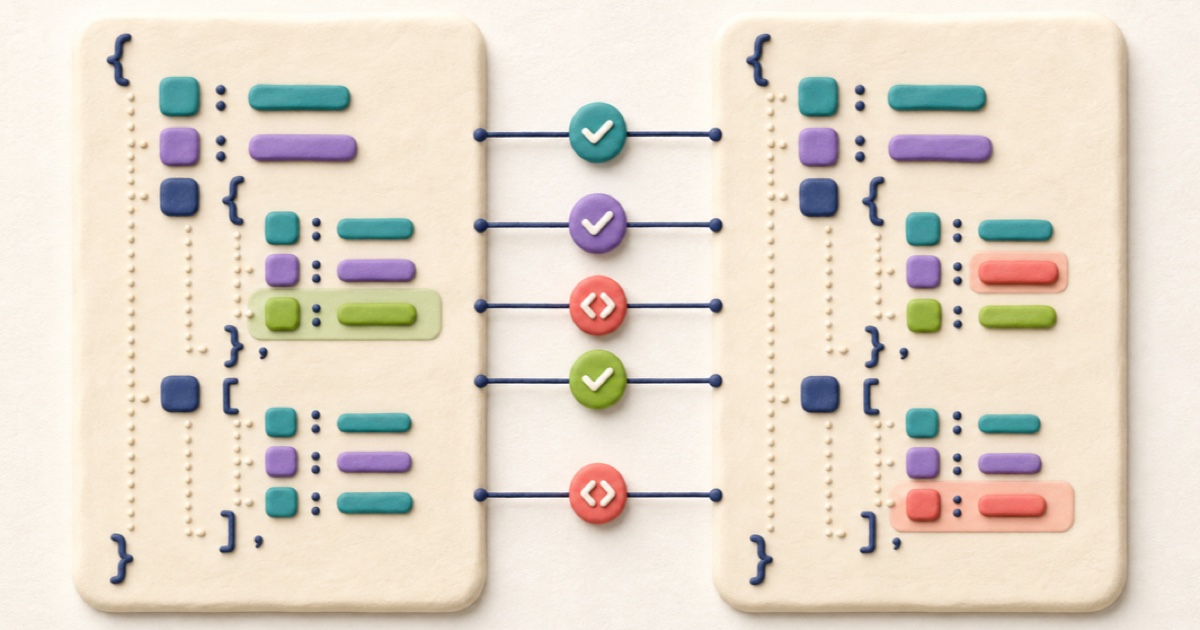
How to Compare JSON Files and Find Meaningful Changes
A useful JSON comparison separates structural changes from harmless formatting so you can focus on values, properties, and array order.

How to Compare CSV Files and Review Row Changes
Reliable CSV comparison parses quoted fields before reviewing row changes, while preserving the row and column order that gives the data its meaning.

How to Compare Text Files and Review Every Change
A dependable text comparison aligns the two versions, distinguishes additions from removals, and keeps small edits visible inside changed lines.