How to Scan a QR Code from an Image or Camera
Reliable QR scanning starts with a sharp, complete code. Always inspect the decoded text or domain before deciding what to do with it.
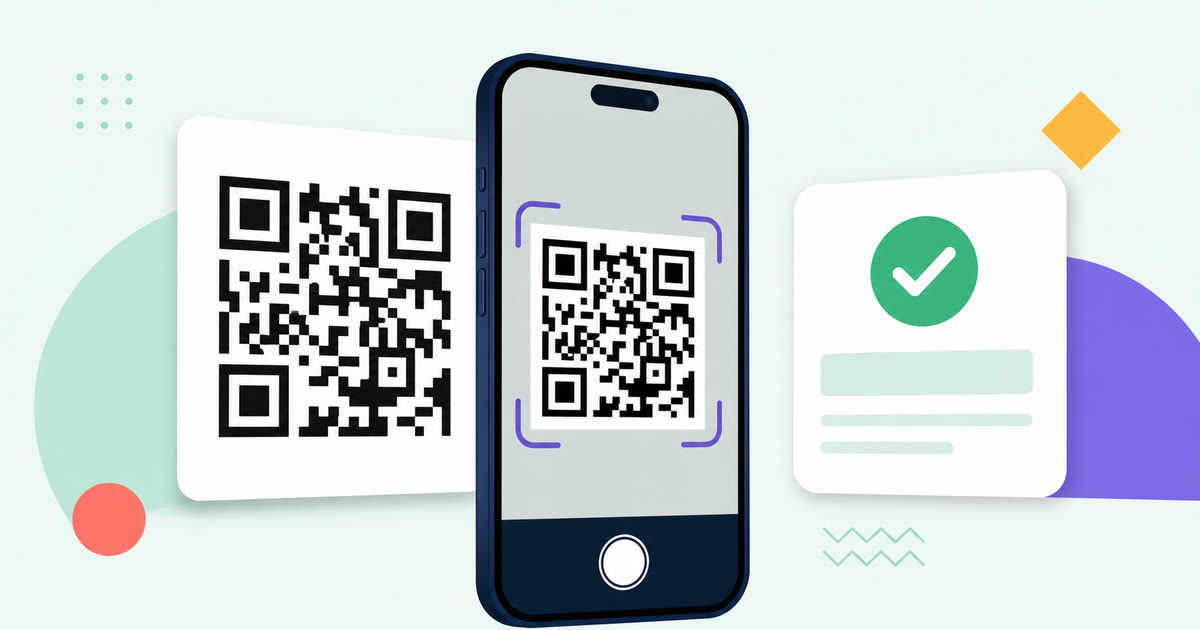
Start with the clearest source
A QR reader needs to see the whole square, including its light outer margin. Use the QR Code Scanner with a sharp PNG, JPG, or WebP image, or hold the camera steady with the complete code inside the guide. Reflections, blur, severe perspective, and tight crops are common reasons a code cannot be read.
Check the decoded value before using it
A QR code can contain ordinary text as well as a link. Read the full decoded value and check the spelling and destination. The scanner offers an Open link action only for explicit HTTP or HTTPS addresses; other values remain copyable text.
Treat unfamiliar QR links cautiously
A recognizable QR pattern does not prove that its destination is safe. Check the domain, watch for misleading spellings, and avoid entering passwords or payment details after scanning an unexpected code. When in doubt, copy the value and inspect it before opening anything.
Create and verify your own code
When publishing a code, use the QR Code Generator, then scan the exported PNG or SVG at its final display or print size. Verification catches incorrect destinations, insufficient contrast, and layout changes before other people rely on the code.
How to Create and Test a QR Code
A reliable QR code uses the exact destination, enough surrounding whitespace, an appropriate output format, and a real scan test at its final size.

How to Take a Screenshot on Windows and Prepare the Image
The best screenshot captures only the needed area, avoids private information, and is checked at its intended viewing size before sharing.
How to Create and Verify a Barcode
Barcode generation is the rendering step, not identifier registration. Match the format to the assigned value and verify the actual downloaded or printed output.