How to Create and Test a QR Code
A reliable QR code uses the exact destination, enough surrounding whitespace, an appropriate output format, and a real scan test at its final size.
Encode the final destination
A QR code stores the exact text you enter. For a website, use the complete intended HTTPS URL and open it manually before generating the symbol. The QR Code Generator does not shorten, redirect, or track the value.
Choose error correction deliberately
Higher error correction can keep a code readable after some damage, but it also makes the pattern denser. Medium is a useful default. Leave a clear quiet margin around the code and avoid placing decorative elements over its finder squares.
Use PNG or SVG for the right job
PNG is convenient for screens, email, and ordinary documents. SVG scales cleanly for print and design layouts. Preserve contrast between the dark modules and light background, and do not stretch the code out of proportion.
Test the final artifact
Scan the downloaded file—not only the preview—with at least one representative phone or scanner. Test it at the final printed or displayed size and confirm the decoded value before publishing. If you need a linear product-style symbol, use the Barcode Generator and verify its separate format rules.

How to Scan a QR Code from an Image or Camera
Reliable QR scanning starts with a sharp, complete code. Always inspect the decoded text or domain before deciding what to do with it.

How to Take a Screenshot on Windows and Prepare the Image
The best screenshot captures only the needed area, avoids private information, and is checked at its intended viewing size before sharing.
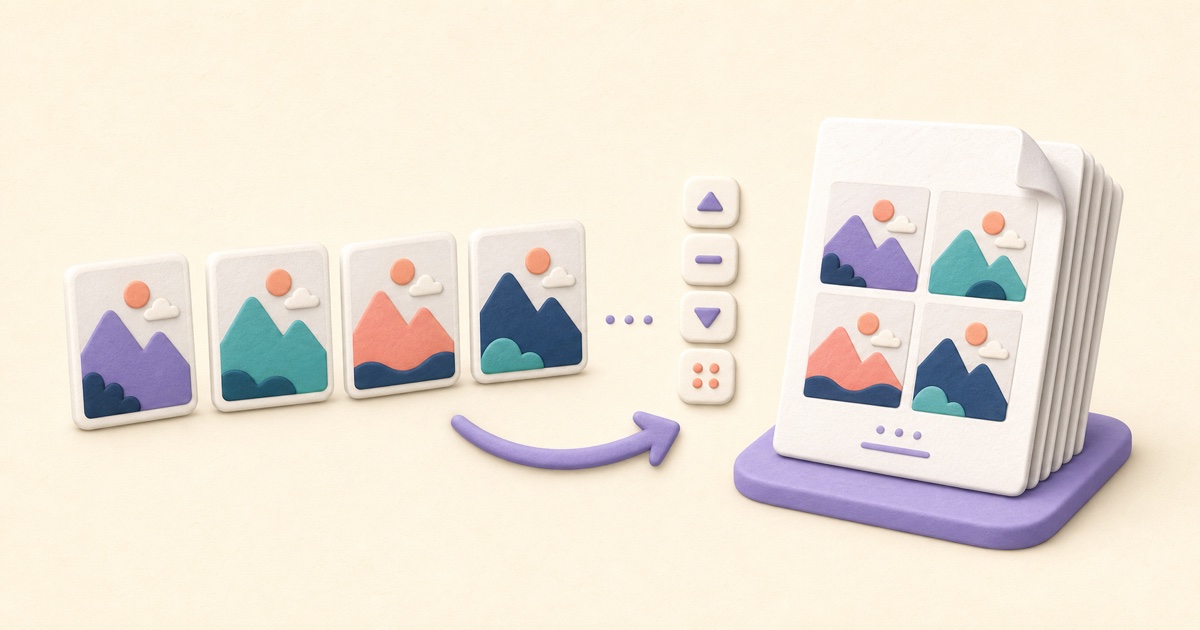
How to Combine JPG, PNG, and BMP Images into One PDF
A clean image-based PDF starts with page order, orientation, margins, and a final check that every image remains readable.