How to Create and Verify a Barcode
Barcode generation is the rendering step, not identifier registration. Match the format to the assigned value and verify the actual downloaded or printed output.
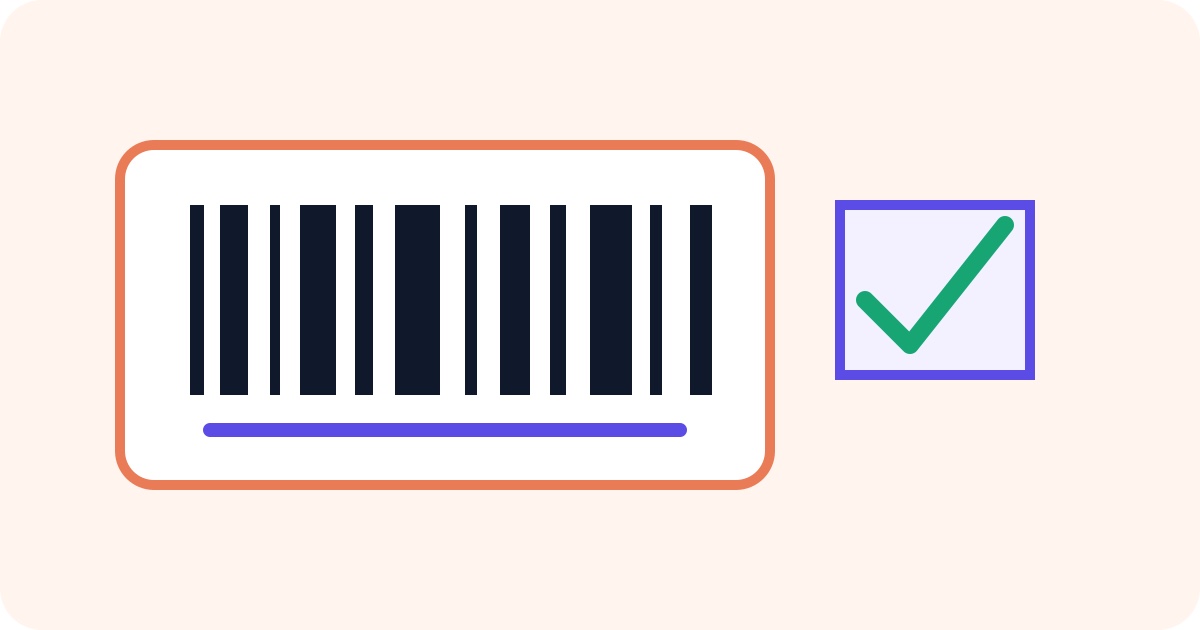
Match the format to the identifier
Code 128 supports printable text and is flexible for internal labels. EAN-13 and UPC-A are fixed numeric retail formats with check-digit rules. The Barcode Generator validates the entered length before rendering the selected format.
Generation is not registration
Drawing a barcode does not assign ownership of a retail number or add a product to any registry. Use an identifier supplied by the relevant organization or your own controlled internal system. Never invent a retail code merely because a symbol can be generated.
Choose PNG or SVG
PNG works well for common digital use at a known size. SVG is preferable when a layout or printer must scale the bars without softening them. Keep sufficient blank space around the symbol and avoid resizing it unevenly.
Scan the downloaded result
Verify the actual file at its final size, on the intended material, and with representative scanners. Confirm that the decoded digits or text exactly match the source value. For camera-scanned links or longer text, a QR code may be the more suitable format.
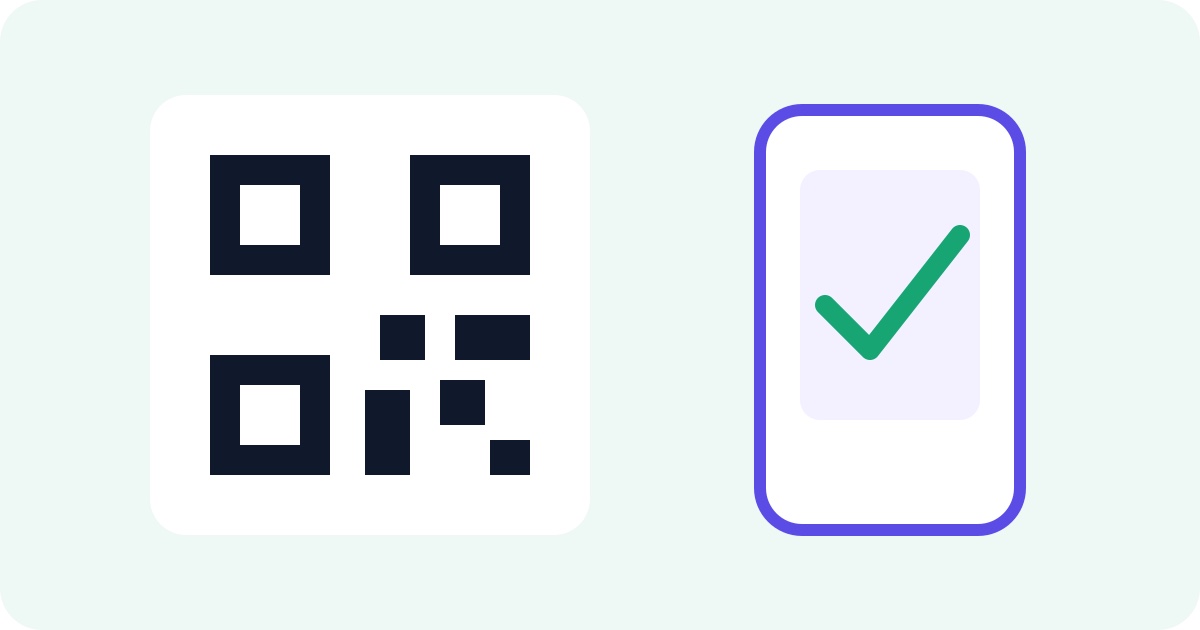
How to Create and Test a QR Code
A reliable QR code uses the exact destination, enough surrounding whitespace, an appropriate output format, and a real scan test at its final size.

How to Take a Screenshot on Windows and Prepare the Image
The best screenshot captures only the needed area, avoids private information, and is checked at its intended viewing size before sharing.
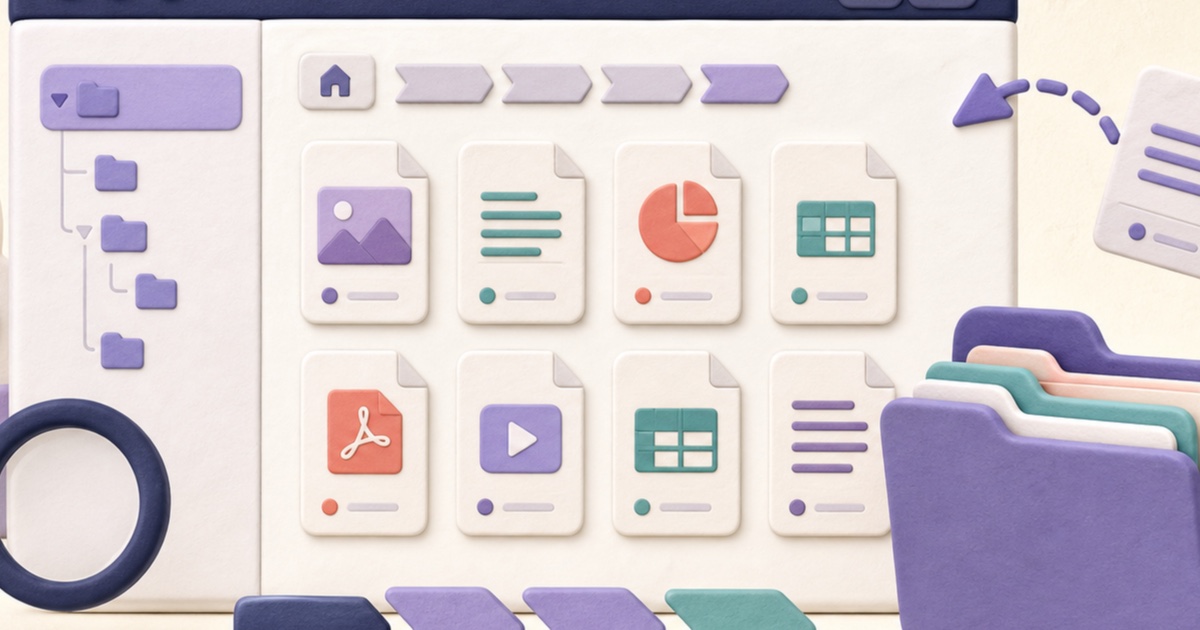
How to Find and Organize Documents in Windows File Explorer
A simple folder structure, visible file extensions, meaningful names, and a final location check prevent many everyday document mistakes.