How to Scan a Barcode from an Image or Camera
A reliable barcode scan needs sharp bars, the complete symbol, and enough quiet space around it. Always compare important results with the trusted source.
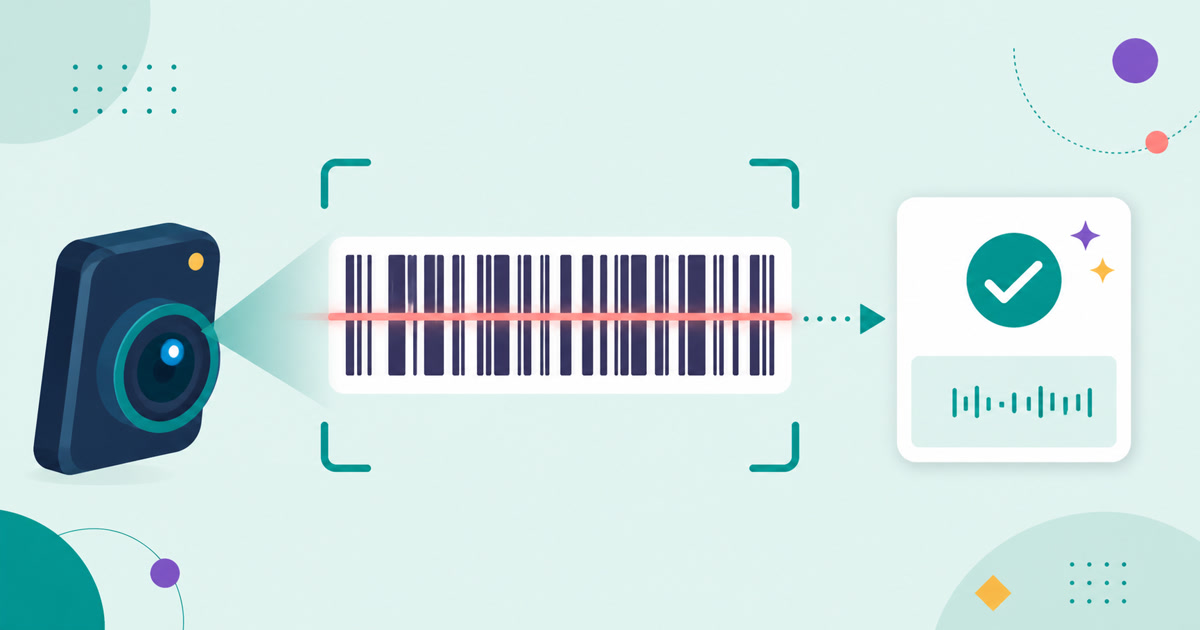
Keep the complete barcode visible
A linear barcode reader needs sharp bars and the blank quiet margin on both sides. Use the Barcode Scanner with a clear PNG, JPG, or WebP image, or hold the camera steady with the complete symbol inside the guide. Avoid glare, blur, severe perspective, and tight crops.
Know which formats can be read
The scanner supports Code 128, EAN-13, EAN-8, UPC-A, UPC-E, Code 39, Code 93, Codabar, and ITF. It reports the detected format beside the decoded value so you can compare both with the source label.
Verify important values
A successful decode does not prove that a label is genuine or assigned to the expected product. Compare inventory codes, retail numbers, and shipment identifiers with a trusted record before using them in another system.
Test barcodes you create
Use the Barcode Generator to create Code 128, EAN-13, or UPC-A output, then scan the downloaded PNG or SVG at its intended size. This catches invalid source values, insufficient print contrast, and layout changes before the label is used.
How to Create and Verify a Barcode
Barcode generation is the rendering step, not identifier registration. Match the format to the assigned value and verify the actual downloaded or printed output.
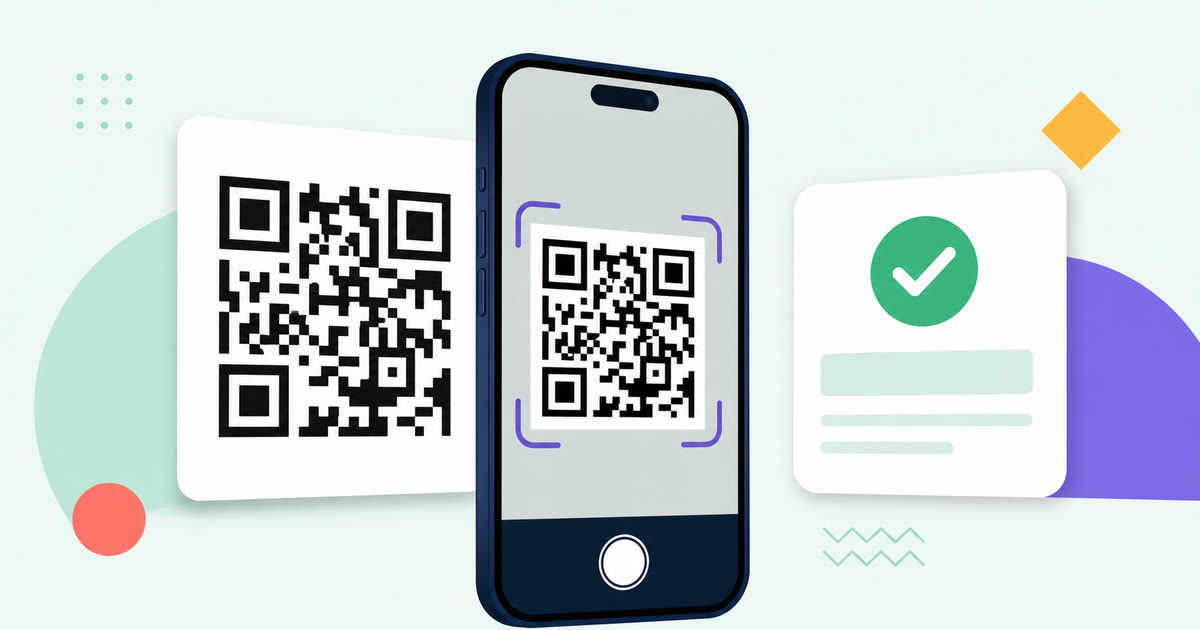
How to Scan a QR Code from an Image or Camera
Reliable QR scanning starts with a sharp, complete code. Always inspect the decoded text or domain before deciding what to do with it.

How to Take a Screenshot on Windows and Prepare the Image
The best screenshot captures only the needed area, avoids private information, and is checked at its intended viewing size before sharing.