How to Convert RTF to PDF
RTF-to-PDF conversion is most reliable for text-focused documents. Review the parsed preview, especially when the source contains embedded objects or application-specific layout.

Review what the RTF actually contains
RTF can describe ordinary styled text as well as application-specific fields, embedded pictures, objects, headers, and precise layout. The RTF to PDF converter focuses on paragraphs, Unicode text, bold, italic, underline, and strikethrough.
Use the preview as the conversion contract
After choosing an RTF file, inspect the parsed preview before creating the PDF. Text shown there will be paginated with the selected page size, orientation, margins, font size, and spacing. Embedded objects, pictures, headers, footers, and fields are omitted.
Expect a readable document, not a Word screenshot
The output is rebuilt as a clean PDF rather than rendered by a desktop word processor. Exact fonts, floating elements, columns, tabs, and application-specific page breaks may differ. For a complex source, compare the preview with the original and use the originating application when exact layout is required.
Choose a simpler source when appropriate
Use TXT to PDF for plain notes and transcripts, or HTML to PDF when headings, lists, links, tables, and supported embedded images need to be represented explicitly.
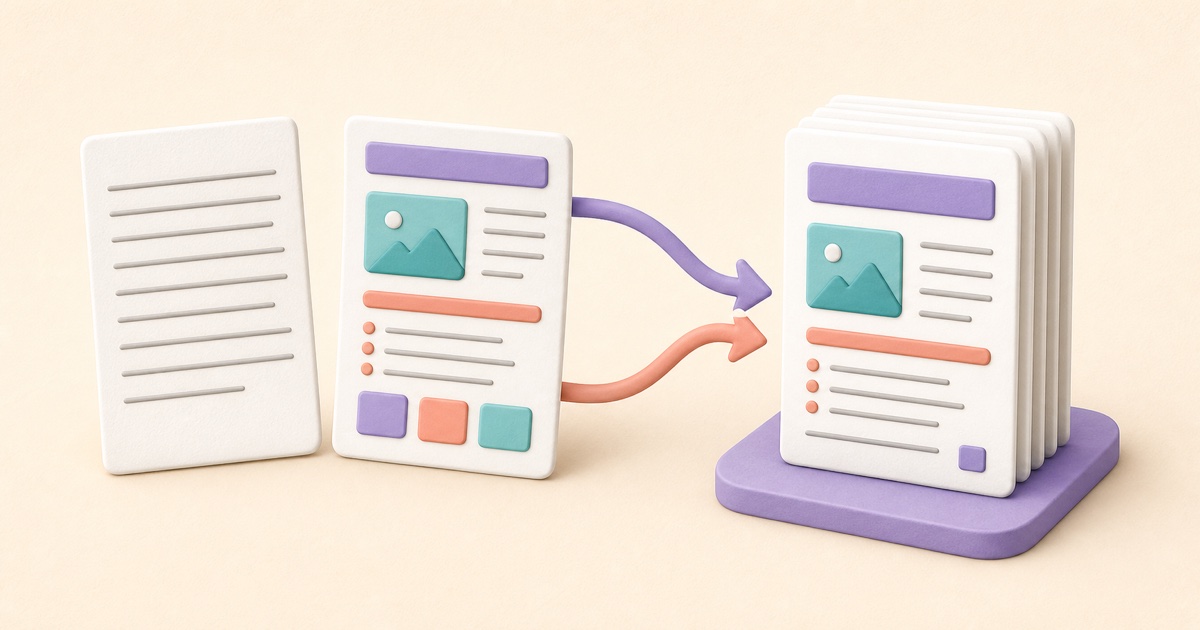
TXT vs. HTML to PDF: Which Source Format Should You Use?
TXT is best for plain content; supported HTML adds document structure. The right source prevents formatting surprises.

How to Convert Markdown to PDF Without Formatting Surprises
Markdown is compact and portable, but a reliable PDF still depends on supported syntax, sensible page settings, and a final pagination review.

How to Combine JPG, PNG, and BMP Images into One PDF
A clean image-based PDF starts with page order, orientation, margins, and a final check that every image remains readable.