How to Convert BMP to JPG
BMP files are often large and lightly compressed. A JPEG copy is easier to share, but photographic compression and the lack of transparency require a visual check.
Why convert BMP to JPG
BMP commonly stores bitmap pixels with little or no compression, so even a modest image can be large. JPG uses lossy photographic compression and is accepted by far more websites, messaging apps, and document workflows. The BMP to JPG tool validates the bitmap, shows the decoded image, and creates a JPEG at the selected quality.
Choose quality by looking at detail
Start near the recommended setting and inspect faces, gradients, text, and hard edges. Lower quality can reduce the file substantially but may add blockiness, ringing, or color smearing. Very simple graphics often fit PNG better than JPG.
Account for transparency and color
JPEG does not support transparency. A BMP with an alpha channel must be placed against a solid background during conversion. The pixel dimensions stay the same, but metadata or unusual BMP color profiles may not carry into the new file.
Review before replacing the source
Open the downloaded JPG and compare it at normal viewing size. Keep the original BMP until you have confirmed the result. If the JPEG still needs to be smaller, use Compress JPEG; if it belongs with other pages, add it through Images to PDF.
HEIC to JPG or PNG: Which Format Should You Choose?
JPG usually suits photos and broad compatibility; PNG suits lossless output. Neither conversion makes the original HEIC better.
How to Combine JPG, PNG, and BMP Images into One PDF
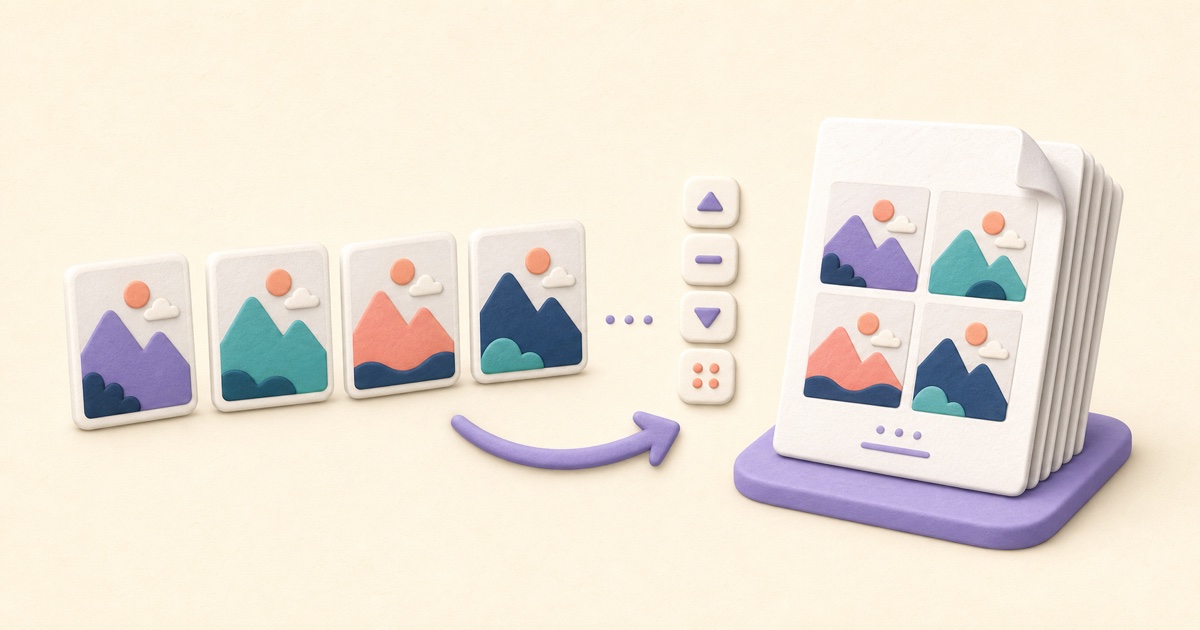
A clean image-based PDF starts with page order, orientation, margins, and a final check that every image remains readable.
How to Take a Screenshot on Windows and Prepare the Image
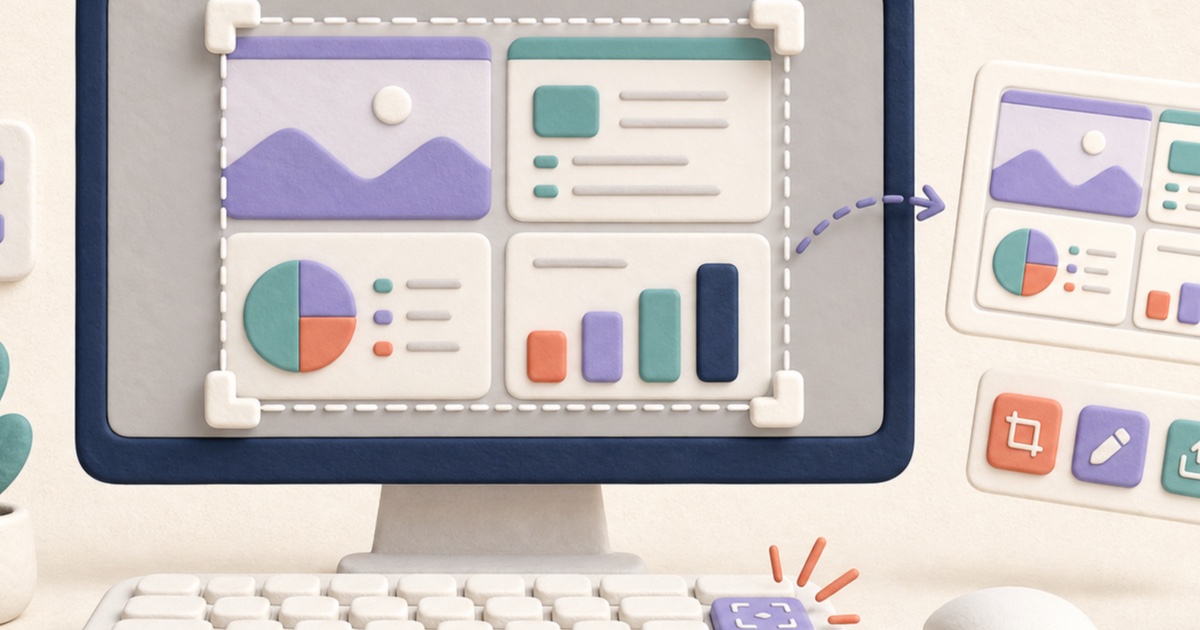
The best screenshot captures only the needed area, avoids private information, and is checked at its intended viewing size before sharing.