How to Compress a PDF Without Sacrificing Readability
Useful PDF compression is not just about the smallest number. Choose a method that fits the document, then check readability and important features in the result.
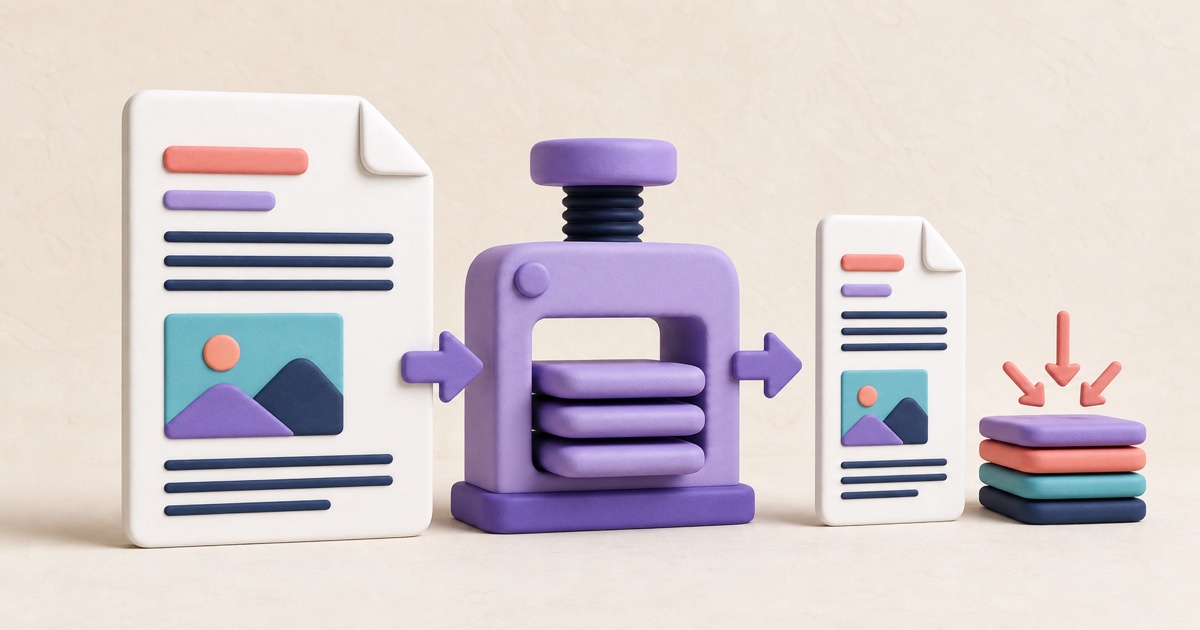
Start with the reason the file must be smaller
A PDF can be too large for an email gateway, an application portal, a document-management limit, or comfortable mobile access. Write down the actual limit before changing the file. A 24 MB report that must fit under 20 MB needs a different tradeoff from one that must fit under 2 MB.
The smallpdf.app Compress PDF tool offers lossless and balanced compression. Both create a separate result and leave the source untouched. If the processed copy would not be smaller, the tool reports that the PDF is already optimized instead of offering a larger replacement.
Understand what makes a PDF large
PDF size is not determined by page count alone. A short document can be large when it contains high-resolution scans, full-page photographs, repeated embedded resources, or inefficient internal structures. A long text-only report may be comparatively small because fonts and vector text are compact.
- Scanned pages: each page may be stored as one large image.
- Photographs: high pixel dimensions and lossless image formats can add substantial size.
- Graphics and fonts: complex illustrations or multiple embedded font subsets can accumulate.
- Document structure: duplicated or uncompressed internal objects can sometimes be reorganized without changing appearance.
Compression cannot remove information without a tradeoff. If a file is already efficient, meaningful further reduction may require lower-resolution or lossy images, fewer pages, or a different source workflow.
Choose lossless or balanced compression
Lossless compression is the cautious first choice for contracts, forms, diagrams, and documents with fine type. It reorganizes and recompresses suitable PDF structures without intentionally reducing image quality. The reduction may be modest, especially when the source was already exported efficiently.
Balanced compression can reduce image-heavy PDFs further by converting suitable page images to JPEG when doing so produces a smaller result. This is often useful for ordinary scans and photographs, but very small text, thin lines, signatures, and high-contrast charts deserve close review afterward.
Use a repeatable compression workflow
- Keep the untouched source and note its file size.
- Open the source and identify pages with the smallest important text, signatures, photographs, charts, or fine lines.
- Try lossless compression first when fidelity matters most.
- If the result is still over the required limit, try balanced compression from the original—not from an already compressed copy.
- Download the result and compare its size with both the source and the destination limit.
- Open the exact downloaded copy and inspect representative pages at normal size and while zoomed in.
Repeatedly applying lossy compression can compound artifacts. Return to the original for each new attempt so you compare clean alternatives rather than degrading a previous output.
Check more than visual appearance
Confirm the page count, page order, selectable text, links, form behavior, annotations, and signatures that matter to the workflow. Rewriting a PDF can invalidate certificate-backed digital signatures even when the visible pages look unchanged. If signature validity is required, confirm the recipient's process before modifying the signed file.
For a scanned document, zoom in on names, dates, totals, account numbers, stamps, and handwritten marks. For a presentation or illustrated report, check gradients, screenshots, logos, and thin chart labels for new blockiness or blur.
When compression is not the right operation
If only a few pages are needed, extracting those pages may produce a smaller and more useful document. If the destination needs page images rather than a PDF, PDF to JPG addresses a different requirement. Flattening can improve compatibility for completed fields and annotations, but it should not be treated as a guaranteed size-reduction technique.
Finally, give the result a clear name and keep the source until the compressed copy has been accepted. A smaller file is successful only when it remains complete, readable, and suitable for the system receiving it.
How to Convert PDF Pages to JPG Without Losing Readability
A useful JPG export depends on the destination, the source page, and the quality setting—not simply choosing the largest file.
How to Password-Protect a PDF Before Sharing It
Password protection is most useful when the password, delivery method, and final-file checks are treated as one complete workflow.
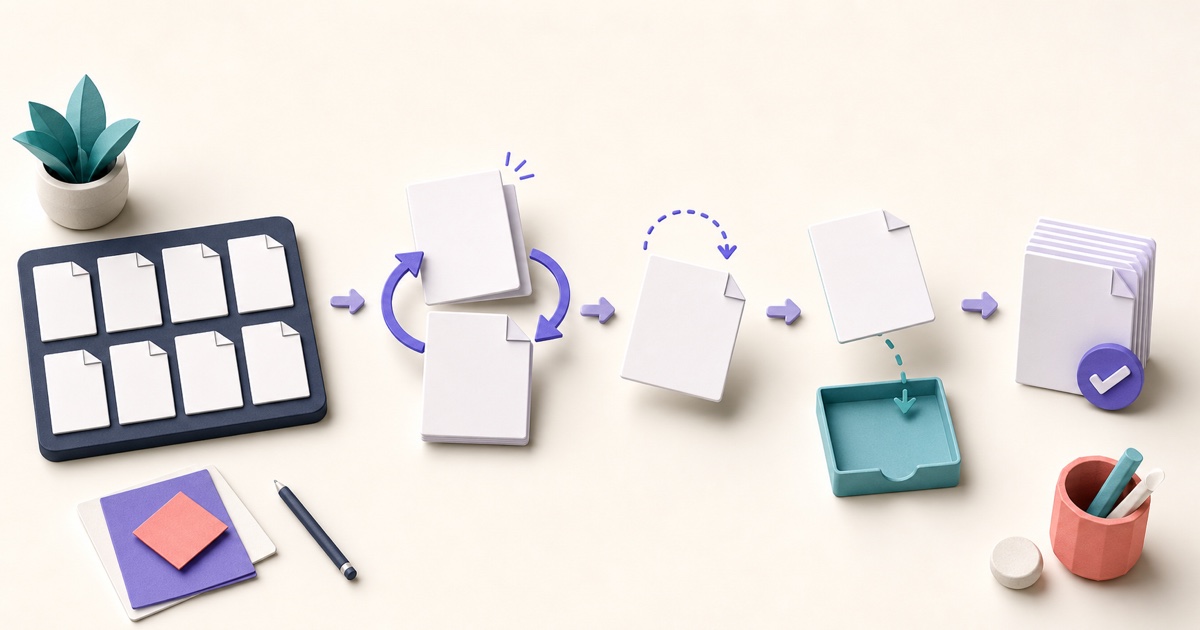
How to Reorder, Rotate, Remove, and Extract PDF Pages
Page-level cleanup is easier when you review the whole document first and make changes in a deliberate order.