Electronic vs. Digital Signatures: What’s the Difference?
A signature drawn on a PDF and a certificate-backed digital signature can look similar while providing very different evidence.

One is a broad action; the other is a technical method
An electronic signature is a broad term for an electronic action used to indicate agreement or approval. It may be a typed name, a drawn mark, an inserted signature image, or a confirmation made through a signing service.
A digital signature is a specific technical kind of electronic signature. It uses a digital certificate and cryptography to link a signer’s identity to the document and to reveal whether the signed content has changed. A digital signature can display a familiar signature appearance, but the important evidence is the certificate-backed validation behind it.
| Question | Visible electronic signature | Certificate-backed digital signature |
|---|---|---|
| What does it add? | A visible mark, name, initials, or date | A cryptographic signature plus optional visible appearance |
| Can it detect later document changes? | Not by itself | Validation can report changes after signing |
| Does it verify identity? | Not by itself | Depends on the certificate and validation process |
| What is it suited to? | Workflows that accept a visible approval mark | Workflows requiring certificate-backed integrity or identity evidence |
What the smallpdf.app signing tool provides
The Sign PDF tool lets you place a drawn signature, initials, text, and dates on a PDF. These are visible electronic marks. The tool does not issue a signing certificate, verify a signer’s identity, create an audit trail, or add a certificate-backed digital signature.
That distinction matters because a document can look signed without meeting a recipient’s technical or procedural requirements. Before using any signing method, ask the recipient what they expect. A landlord accepting a visible signature on a routine form may have a different process from a regulator, court, bank, or employer.
Choose the signature method before editing
Start with three questions:
- What evidence is required? Is a visible mark enough, or must the document show certificate validation, signer authentication, timestamps, or an audit record?
- Who controls the signing workflow? Some recipients require their own portal or signature provider. Uploading a separately signed PDF may not be accepted.
- Will anyone edit the document afterward? Changes made after a certificate-backed signature can cause validation warnings or invalidate the signature.
If the recipient requests a particular service, certificate type, or signing sequence, follow that process. Legal effect and admissibility vary by jurisdiction, document type, and circumstances; this guide explains the technical distinction, not whether a signature is legally sufficient.
A careful visible-signature workflow
- Open the final version of the PDF and read it before adding a signature.
- Place the signature only in the intended field and add initials or a date where required.
- Zoom in to check that the mark is legible and does not cover nearby terms.
- Save the signed copy under a new name and reopen it in a PDF reader.
- Confirm every page is present, the signature is visible, and the document has not shifted.
If confidentiality matters during delivery, you can protect a finalized copy with an opening password, but password protection and signing solve different problems. Encryption restricts access to the file; it does not turn a visible signature into a digital one or prove who placed it.
Keep the final record clear
Retain the exact signed copy that was delivered and avoid editing it afterward. Keep any confirmation supplied by the recipient or signing service. If a certificate-backed digital signature is used, open the document in software that can display its validation status and preserve the original signed file.
The safest choice is the method both parties expect. A quick confirmation before signing prevents the common mistake of completing a document neatly only to discover that the recipient required a different kind of signature. When a visible electronic signature is appropriate, follow the complete PDF signing and review workflow.
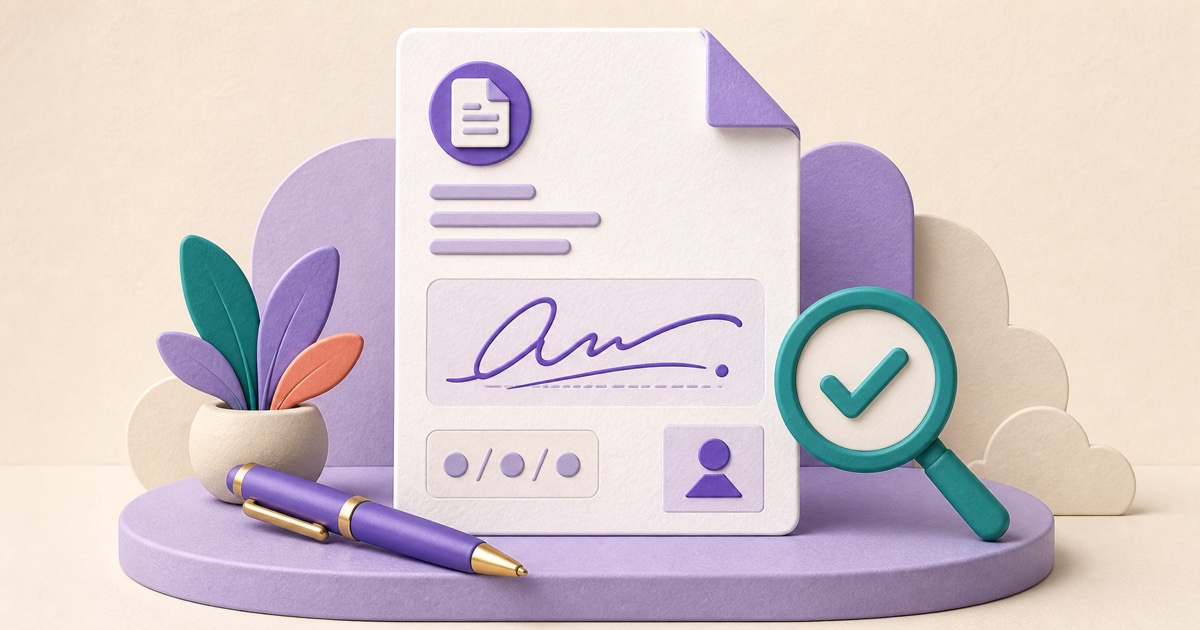
How to Sign a PDF and Check It Before Sending
A dependable signing workflow starts with the final document, uses the signature method the recipient expects, and ends by reopening the exact copy you plan to send.
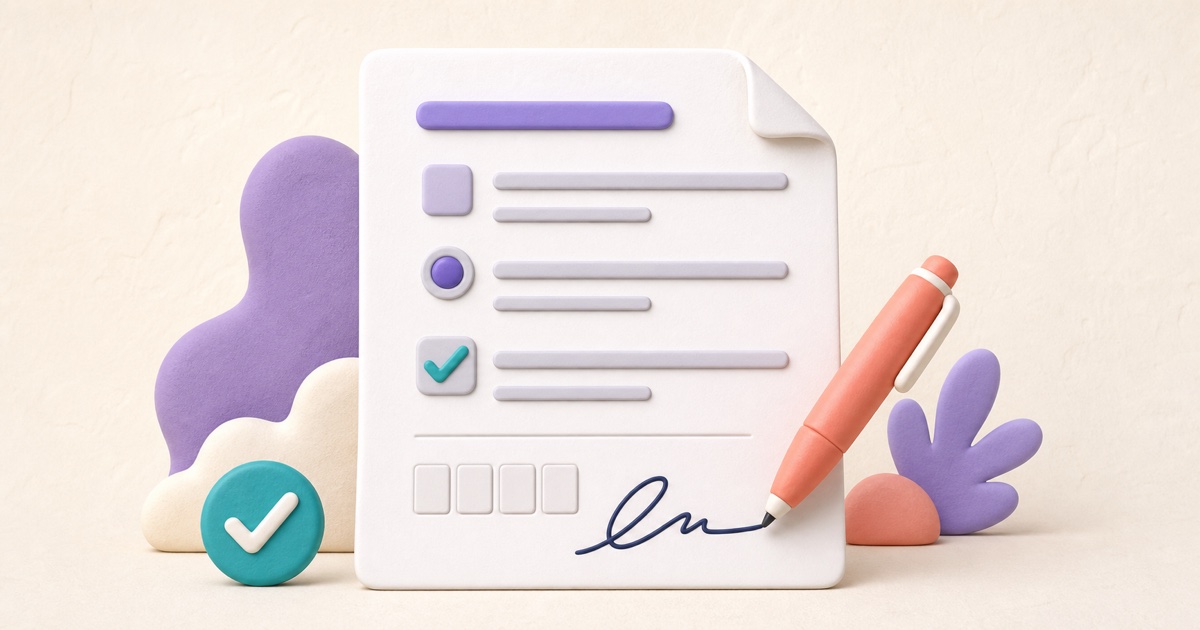
How to Fill Out a PDF Form and Check It Before Sending
A dependable form workflow starts by identifying the field type, entering answers in the right place, and checking the finished PDF as the recipient will see it.
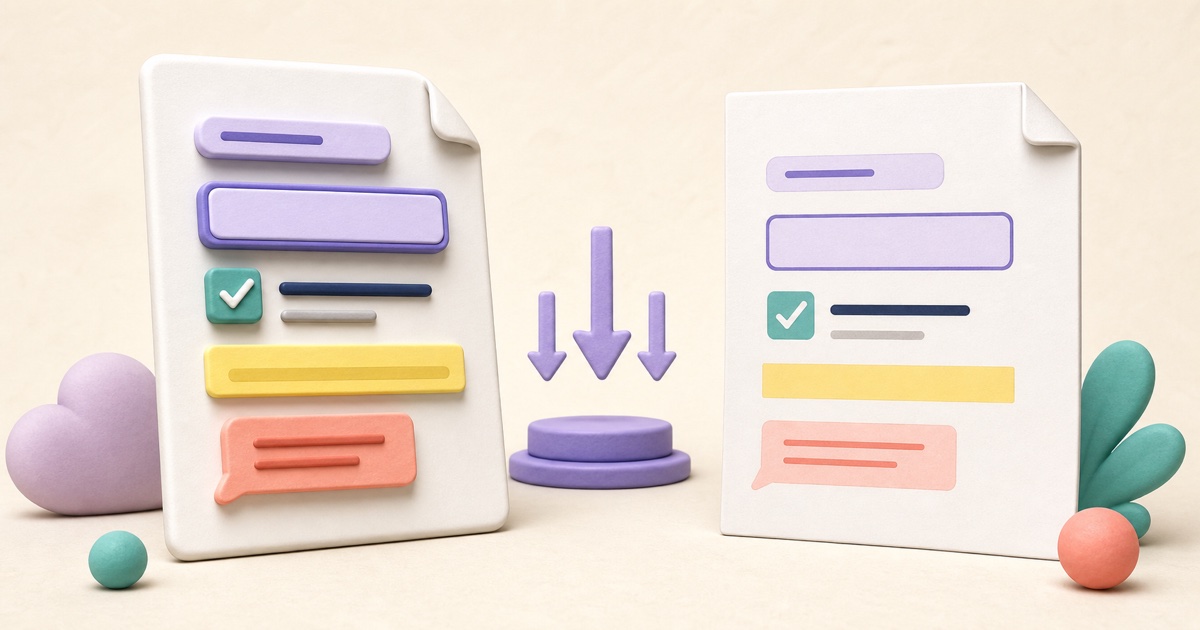
How to Flatten a PDF Form or Annotation Safely
Flattening can make completed forms and annotations display more consistently, but it removes editability and can affect signatures and other interactive behavior.

How to Password-Protect a PDF Before Sharing It
Password protection is most useful when the password, delivery method, and final-file checks are treated as one complete workflow.

How to Reorder, Rotate, Remove, and Extract PDF Pages
Page-level cleanup is easier when you review the whole document first and make changes in a deliberate order.