How to Convert a Multi-Page TIFF to PDF
A multi-page TIFF often represents a scanned document. Preserve its frame order, fit each image without cropping, and inspect the resulting PDF before sharing it.

Check whether the TIFF has multiple pages
TIFF is often used for scanned documents and can contain several frames in one file. The TIFF to PDF converter decodes the complete file and creates one PDF page for each TIFF frame in its original order.
Select practical PDF page settings
Choose a standard paper size, orientation, and margin for the destination. Each TIFF frame is scaled proportionally and centered without cropping. Portrait works for most document scans; landscape can provide a better fit for wide drawings or tables.
Preserve scan readability
Inspect small type, signatures, fine lines, and page edges after conversion. A low-resolution TIFF cannot gain missing detail when placed into a PDF. Very large source images are bounded so that conversion remains manageable.
Use the right workflow for the source
For several separate JPG, PNG, or BMP files, Images to PDF provides explicit sorting and image controls. For new camera captures, PDF Scanner adds crop, rotation, and filter steps before creating the document.

How to Combine JPG, PNG, and BMP Images into One PDF
A clean image-based PDF starts with page order, orientation, margins, and a final check that every image remains readable.
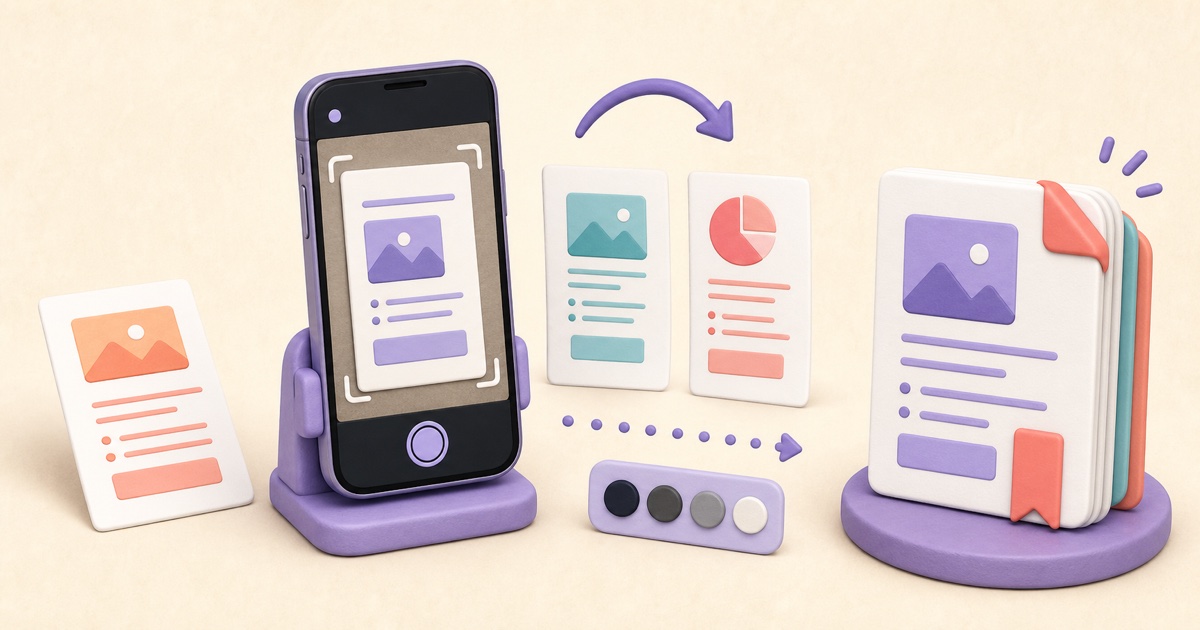
How to Scan Documents to PDF with Clear, Consistent Pages
A useful scanned PDF begins with complete, evenly lit photos. Cropping and filters can improve presentation, but they cannot restore missing detail or make text searchable.

How to Convert a HEIC Photo to PDF
HEIC-to-PDF conversion places the decoded photo on a document page without cropping. The best page size and margins depend on whether the PDF will be printed, submitted, or archived.