How to Convert JSON to CSV Without Losing Important Data
JSON-to-CSV conversion works best when the source describes consistent records. Review headers, nested values, blanks, delimiters, and identifiers before using the table.
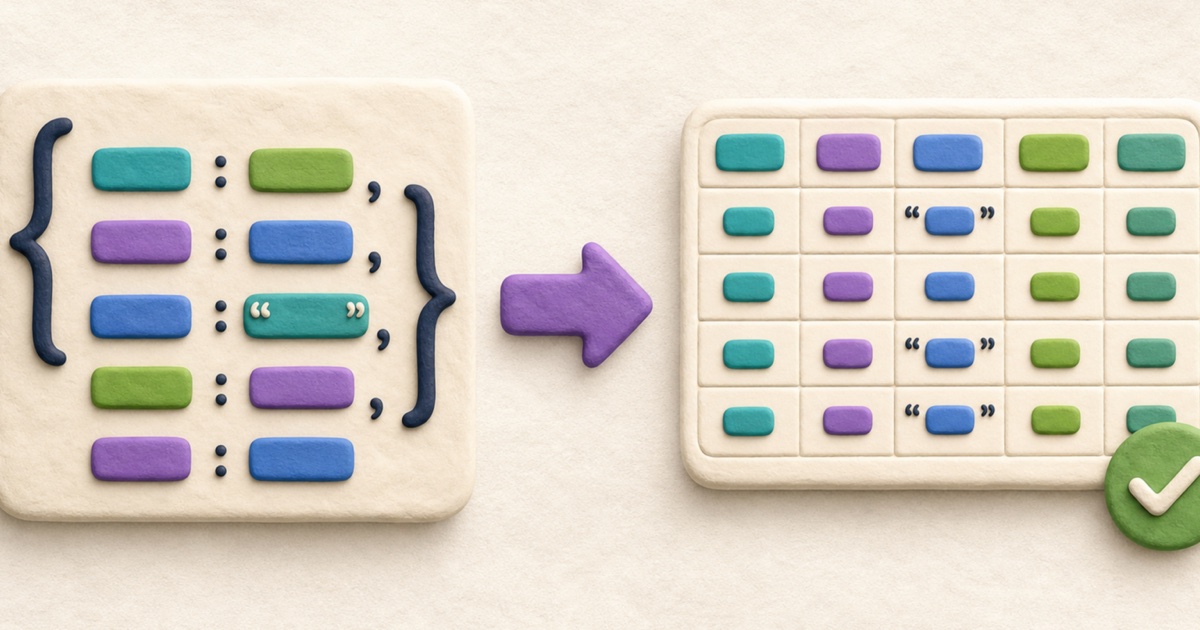
When JSON can become a useful CSV table
JSON can represent almost any combination of objects, arrays, and scalar values. CSV represents a table: rows made from a consistent sequence of columns. Conversion is therefore most reliable when the JSON source contains one object or an array of similarly shaped objects.
For example, an array of customer records can map naturally to a table. Each object becomes a row, each property name becomes a column heading, and each property value becomes a cell. The JSON to CSV Converter accepts that record-oriented shape and rejects a root array of unrelated strings, numbers, or mixed values.
How object properties become CSV columns
The converter reads object keys in first-seen order. The first record supplies its properties, and a new property found in a later record is added as another header. This produces one union of the keys present across all records.
[
  { "name": "Ada", "active": true },
  { "name": "Grace", "language": "COBOL" }
]
The resulting header contains name, active, and language. Ada’s language cell is blank, while Grace’s active cell is blank. This keeps every row aligned even when the records do not all have identical properties.
A duplicate property name inside one JSON object is different. Although some parsers silently keep only the final value, a CSV column cannot safely represent both occurrences. The converter reports that ambiguity instead of discarding one.
How nested objects and arrays are handled
A nested object does not automatically become several columns because flattening requires a naming convention and can create collisions. A property named address.city might already exist alongside an address object, for example.
The converter keeps a nested object or array as compact JSON inside one CSV cell:
[
  {
    "name": "Ada",
    "skills": ["mathematics", "writing"],
    "location": { "city": "London" }
  }
]
The skills and location cells contain valid compact JSON strings. This preserves their nested structure without inventing flattened column names. A receiving spreadsheet will display those values as text; another program can parse them as JSON when needed.
Understand blank cells, null, and missing properties
CSV has no universal representation for a missing property or JSON null. In this converter, both produce an empty cell. An actual empty JSON string also appears as an empty cell. That means a CSV round trip cannot always distinguish these three states:
- the property did not exist;
- the property existed with the value
null; - the property existed with an empty string.
If the distinction matters, replace those states with explicit values before conversion, such as a separate status column or an agreed marker that cannot occur as ordinary data.
Why CSV quoting matters
A cell can contain the delimiter, double quotes, or a line break. Writing such a value without CSV escaping would shift columns or split one record across apparent rows. The converter encloses those fields in double quotes and doubles any quote inside the value.
name,note
Ada,"One, two"
Grace,"She said ""ready"""
Lin,"Line one
Line two"
These are valid CSV fields, not broken rows. Use CSV Compare when reviewing two outputs so quoted line breaks and commas are parsed before differences are aligned.
Choose the right delimiter
A comma is the usual default, but a semicolon may be more convenient in locales where commas commonly appear as decimal separators. Tab-separated output is useful when pasting into spreadsheet software or exchanging simple tables whose text contains many commas.
Changing the delimiter does not change the source JSON. It only changes how cells are separated in the output. Fields containing the selected delimiter are quoted automatically.
Protect large numbers and identifiers
Large integer identifiers are vulnerable to accidental rounding when a converter parses every JSON number into an ordinary floating-point value. The converter preserves the original JSON number token when writing a scalar CSV cell, so 9007199254740993 does not silently become a neighboring number during conversion.
The next application can still reinterpret that cell. Spreadsheet software may display a long identifier in scientific notation, remove leading zeros, or apply its own numeric precision. When an identifier is not used for arithmetic, storing it as a quoted JSON string and importing the CSV column as text is usually safer.
Convert JSON to CSV step by step
- Validate and inspect the JSON. Use JSON Formatter when compact or uneven source is difficult to review.
- Check the root shape. Use one object or an array whose items are all objects.
- Review property consistency. Identify optional properties, nested values, duplicate names, and fields that must remain distinct from blank cells.
- Choose a delimiter. Select comma, semicolon, or tab for the destination.
- Convert the records. Confirm the reported number of records and columns.
- Review the CSV result. Check header order, quoted values, identifiers, and several representative rows.
- Download and reopen the file. Verify how the destination application imports the columns before relying on the converted copy.
Why JSON-to-CSV-to-JSON is not always lossless
CSV normally stores cells as text and has no native object, array, boolean, number, or null types. Nested values can be retained as JSON text, but other type information may be ambiguous. Blank cells also merge several possible JSON states.
Converting the CSV back with CSV to JSON can restore rows and headers, but it cannot infer every original decision. Keep the JSON source when exact types, missing properties, key order, or nested structure matter.
Final JSON-to-CSV checklist
- The JSON is valid and contains an object or array of objects.
- All required columns appear in the union of object keys.
- Missing, null, and empty-string values can safely share blank cells.
- Nested objects and arrays are acceptable as compact JSON text.
- The delimiter suits the destination and quoted fields were reviewed.
- Long identifiers will be imported as text where necessary.
- The downloaded CSV has been reopened in its destination application.
Start with JSON to CSV Converter. For the reverse workflow, continue with the guide to convert CSV to JSON with correct types and headers.
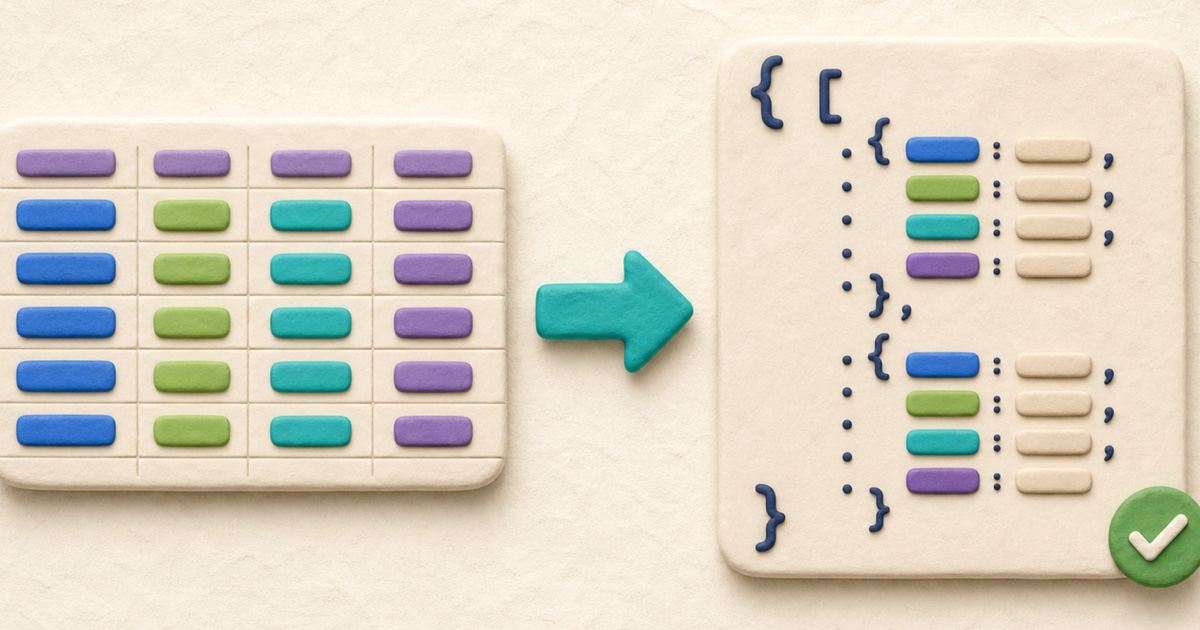
How to Convert CSV to JSON with Correct Types and Headers
Reliable CSV-to-JSON conversion starts with correctly parsed rows, unique headers, and a deliberate decision about whether each cell should remain text.
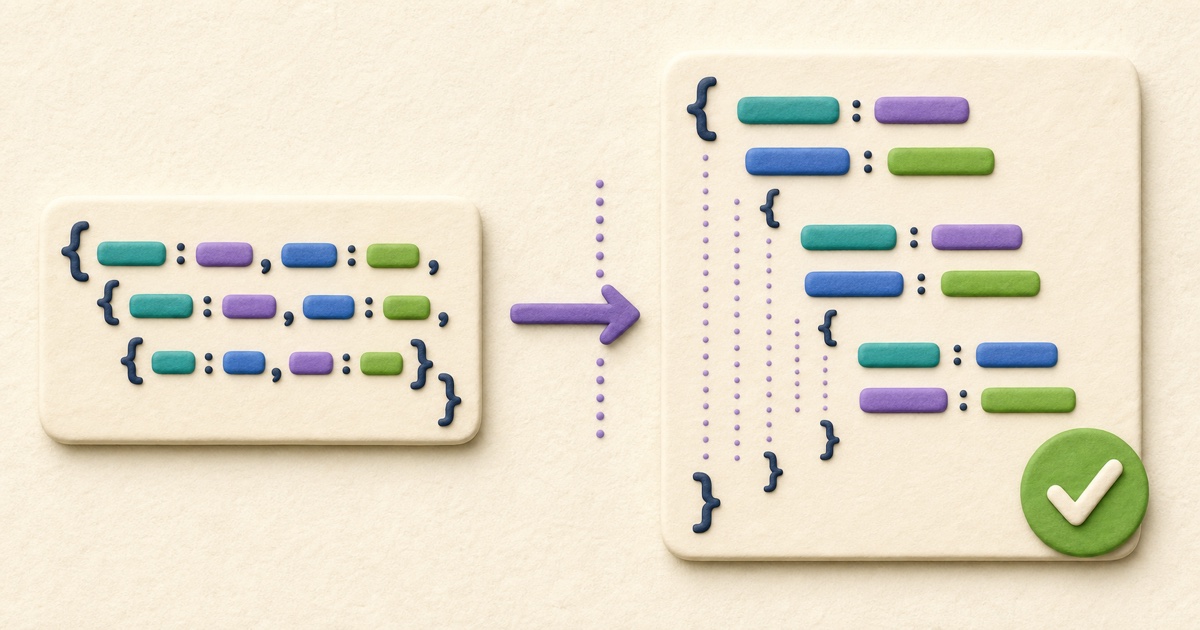
How to Format and Validate JSON Online
Reliable JSON formatting improves readability without silently changing data. Validate first, choose deliberate formatting options, and review the exact result before using it.

How to Compare CSV Files and Review Row Changes
Reliable CSV comparison parses quoted fields before reviewing row changes, while preserving the row and column order that gives the data its meaning.