DOCX vs. PDF for ATS: Which CV File Format Should You Use?
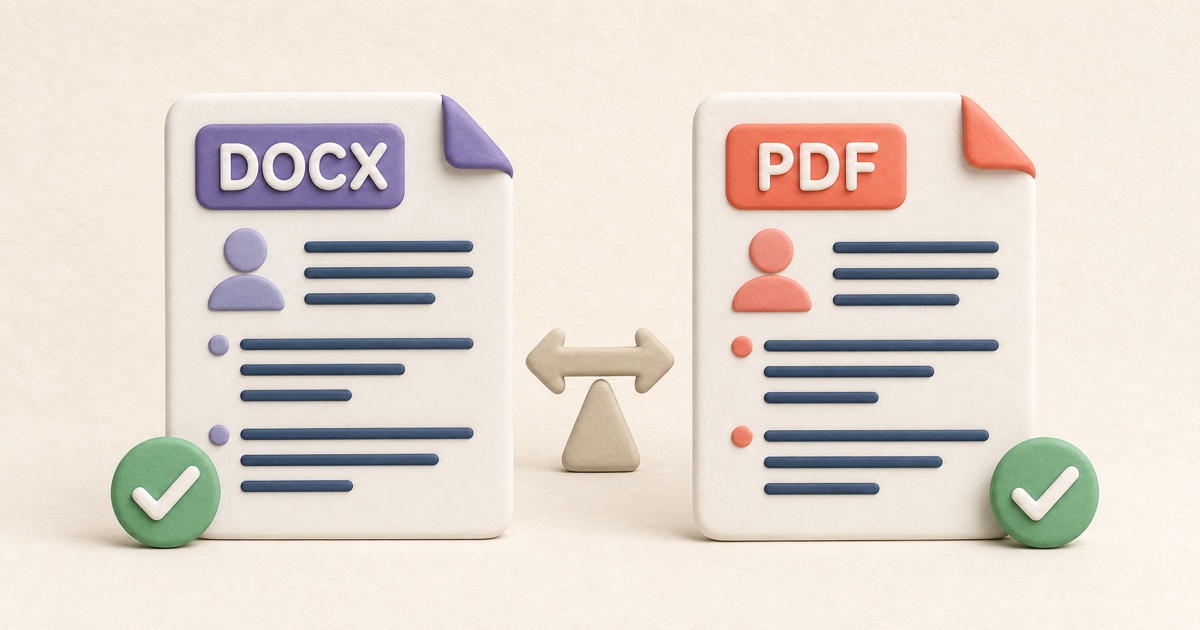
DOCX and text-based PDF can both be parsed by major recruiting systems. The application instructions and the quality of the exported document should decide.
The short answer: follow the application instructions
If an employer requests DOCX, send DOCX. If it requests PDF, send PDF. When the application accepts both, either can work with modern recruiting systems if the document is built from readable text and uses a simple structure. Lever lists Microsoft Word and Adobe PDF among its parseable formats, and Workable accepts DOCX and PDF for resumes.
The file extension alone does not make a CV ATS-friendly. A scanned PDF may contain only pixels. A DOCX file may put contact information in text boxes, headers, or a complex table. Those documents can look polished while producing incomplete fields after upload.
When DOCX is the practical default
DOCX stores document text and paragraph structure in a format widely supported by recruiting platforms. It is a sensible default when the application explicitly accepts Word documents and provides no other preference. A simple DOCX also makes it easy for a recruiter to copy text or add internal notes.
The DOCX produced by the ATS CV Builder uses ordinary paragraphs, standard section headings, one reading order, and no tables, columns, text boxes, images, headers, or footers. Those decisions matter more than elaborate styling.
DOCX can still vary slightly between word processors. Open the exported file in the software available to you and check page breaks, bullet indentation, line wrapping, and unusual characters before applying. Do not assume that a file is correct merely because it opens.
When a text-based PDF is the better fit
PDF is useful when the employer requests it or when you need the reviewed page layout to remain fixed. The important phrase is text-based. You should be able to select a sentence, copy it, and paste recognizable text elsewhere. Lever explicitly recommends this selection test as a quick way to judge whether a file is likely parseable.
The builder’s PDF export draws selectable text into a one-column document. It does not take a screenshot of the preview. That helps preserve both the visual page and the underlying characters.
Do not convert a photograph or scan of a CV into PDF and assume the extension makes it readable. Greenhouse identifies image-based resumes, graphics, photos, word art, complex tables, headers, footers, text boxes, and columned layouts as possible sources of parsing trouble.
Compare DOCX and PDF for an ATS CV
| Question | DOCX | Text-based PDF |
|---|---|---|
| Accepted by major recruiting systems? | Yes, including documented support from Lever and Workable | Yes, including documented support from Lever and Workable |
| Layout consistency? | Can vary slightly by word processor and installed fonts | Designed to preserve the exported page layout |
| Text extractable? | Normally, when content uses ordinary document text | Yes when created from text; not necessarily when made from scans or images |
| Best reason to choose it? | The employer requests Word, or both formats are accepted without preference | The employer requests PDF, or fixed reviewed pagination matters |
| Main review risk? | Unexpected line wrapping, page breaks, or complex Word layout objects | Image-only pages, missing text encoding, or a design exported as shapes |
Test the exact file before uploading
Do not test one version and upload another. Use this short review:
- Give the file a clear name such as
Alex-Morgan-CV.docxorAlex-Morgan-CV.pdf. - Open the downloaded file and review every page at normal zoom.
- Confirm that no heading is stranded and no bullet or date is clipped.
- Search for a distinctive skill or employer name.
- In PDF, select and copy a sentence to confirm that it is text.
- Upload the file and inspect any fields the application auto-fills.
- Correct missing or misread information before submitting when the form allows it.
Workable’s job-seeker guidance similarly recommends clear sections, readable fonts, correct contact information, and avoiding image-only or image-heavy resumes. It also reminds applicants that parsed application fields can be corrected manually.
Keep both formats without creating two different CVs
Maintain one source version for each application, then export it to the requested file type. Avoid editing the DOCX and PDF separately after export because the wording can drift. If you change an achievement, date, or skill, update the source and create both outputs again.
The ATS CV Builder lets you choose one of five single-column templates, then create DOCX or PDF from the same completed form. The selected typography, spacing, headings, and accents carry into both export choices without changing the content order. Use the ATS-friendly CV checklist before either download, and review job-description keywords before creating the final application-specific version.
Sources and further reading
How to Make an ATS-Friendly CV: Format and Checklist
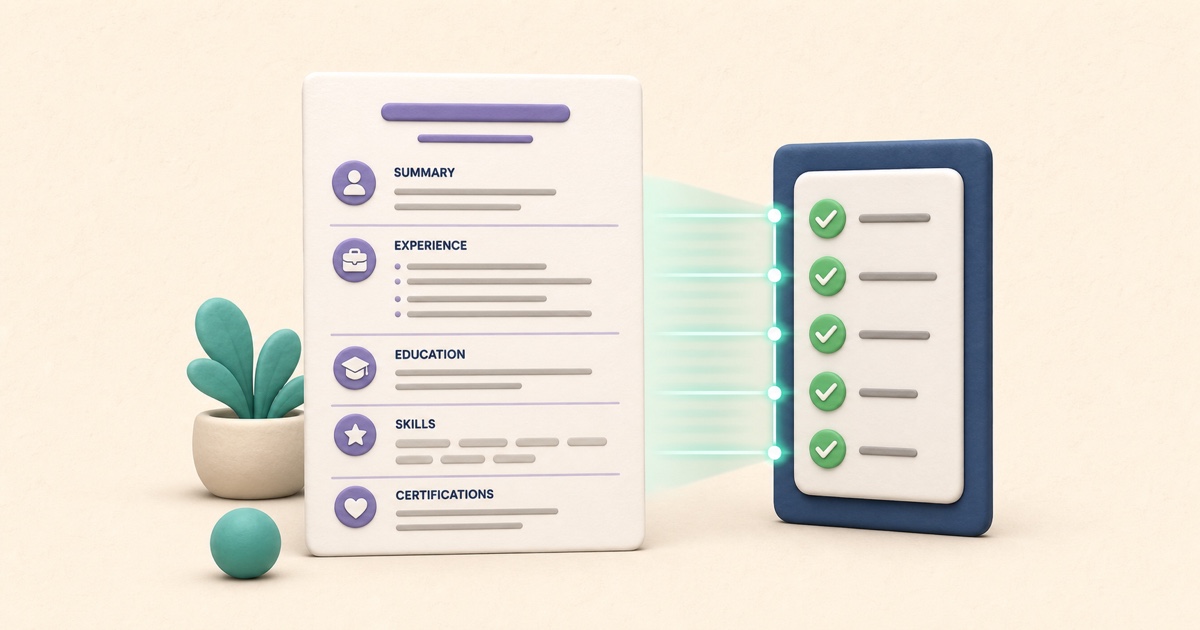
An ATS-friendly CV is a clear document first: conventional sections, a predictable reading order, searchable text, and evidence tailored to the role.
ATS CV Keywords: How to Match a Job Description Honestly
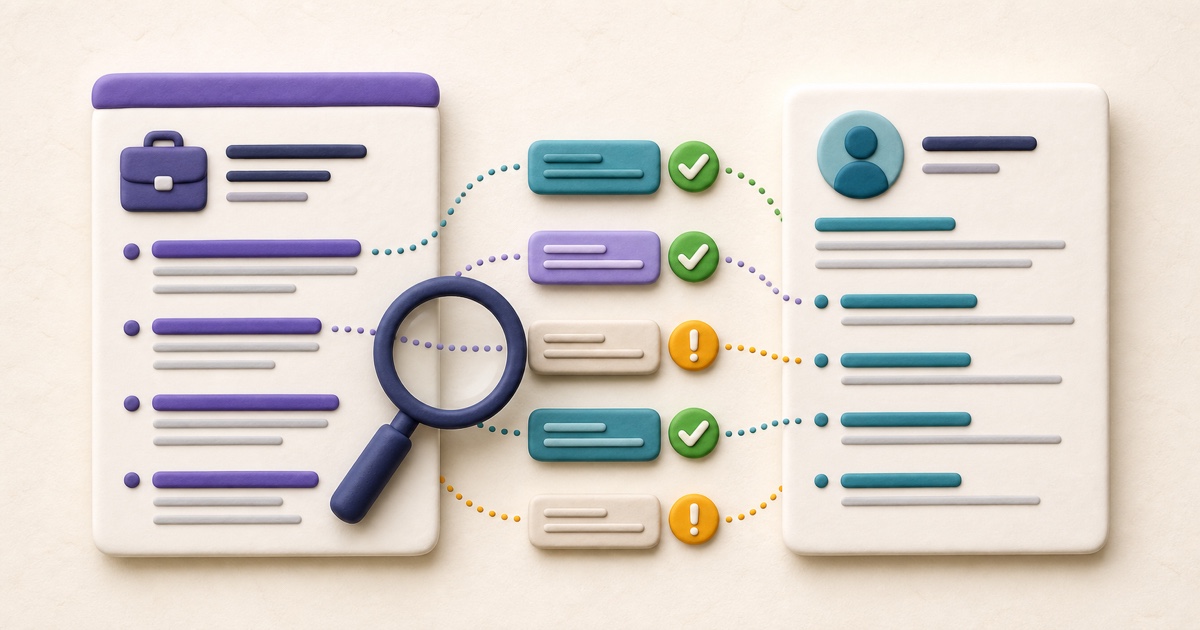
Useful CV keywords describe evidence you genuinely have. The strongest match connects the employer’s language to specific skills, work, and outcomes.
TXT vs. HTML to PDF: Which Source Format Should You Use?
TXT is best for plain content; supported HTML adds document structure. The right source prevents formatting surprises.